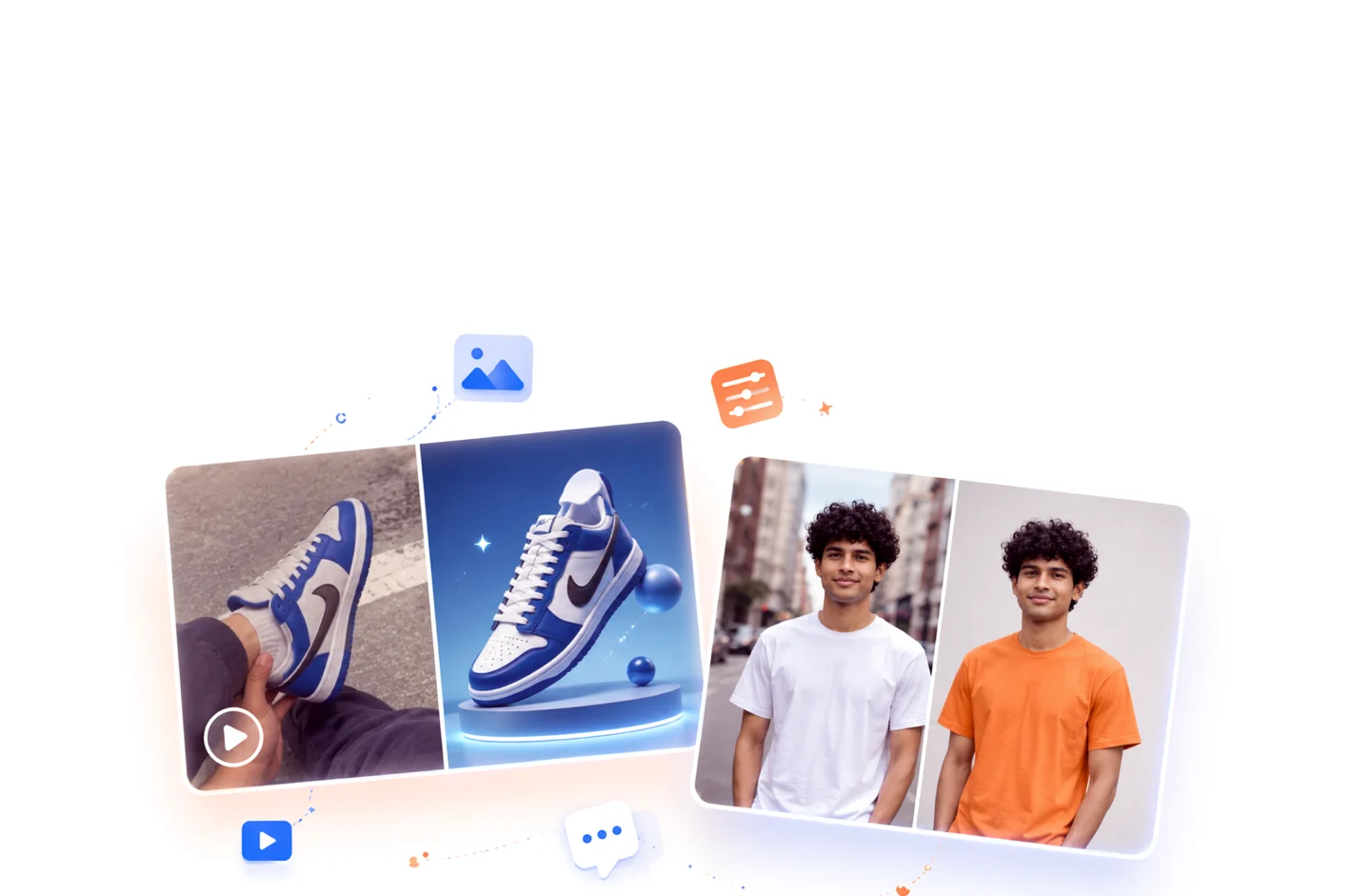

You don't have to start from scratch to improve your content. If you have an image or video that needs fixing, AI now does the edits that used to require a Photoshop expert — in seconds.
The tools
#1
Image editing — everything in one place
- 🧼 Remove or change the background
- 💡 Relight the image
- 🔍 Upscale the quality
- 🔄 Change the product angle
- ➕ Add or remove elements
- 🔤 Add text or a logo to the image
#2
Advanced edits
- 👕 Change the outfit in a photo
- 🧵 Change the product material
#3
Video editing
You can edit your videos with AI too.
#4
All in Arabic
Just ask for the edit in plain Arabic, and Vizzy does it.
Frequently asked questions
Do I need to know Photoshop?
Not at all. Vizzy does every edit with AI — you just ask for what you want in Arabic.
Can I remove an image background?
Yes, Vizzy removes or changes the background easily.
Does it improve old, low-quality photos?
Yes, it has a tool that upscales image quality.
Does it edit video too?
Yes, you can edit videos with AI as well.